Rankadmain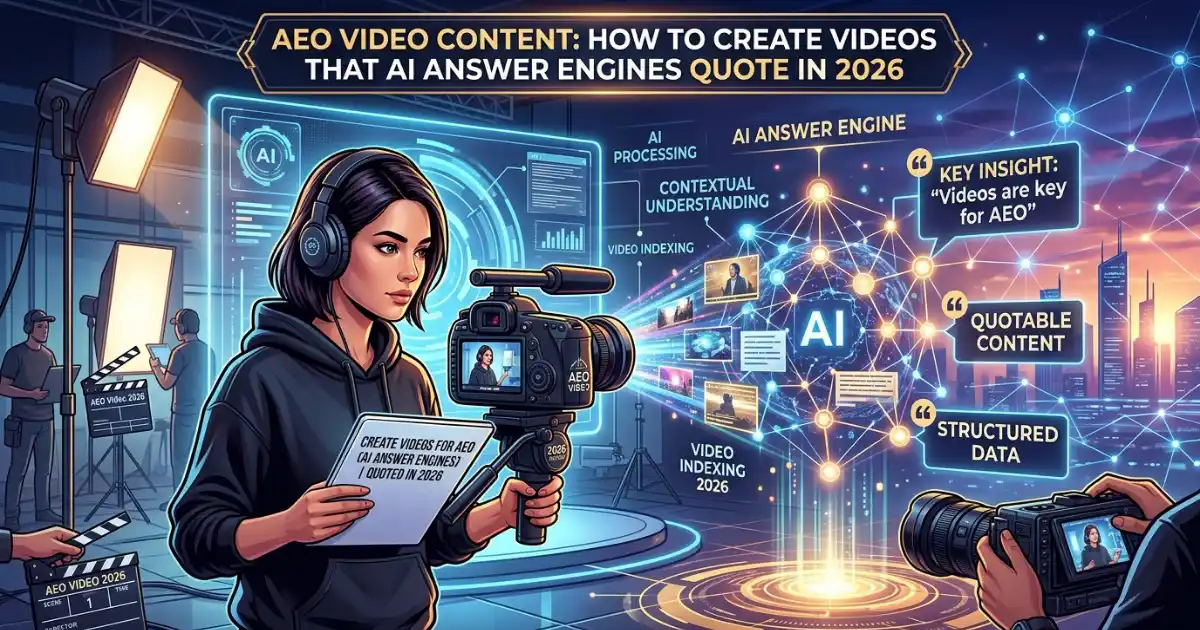
AEO video content is a video that is built to give one clear, quotable answer so that answer engines like Google AI Overviews, ChatGPT, and Perplexity can find it, understand it, and show it to users. The recipe is simple: answer one question per video, say the answer in the first 10 seconds, add chapters, captions, and a transcript, and mark the page up with the VideoObject schema.
Search is no longer a list of ten blue links. People now get direct answers from AI, and those answers increasingly include video clips and video citations. If your videos are not structured for answer engine optimization (AEO), you can rank well and still be invisible where the answer is shown. This guide explains how to fix that, in plain language, with steps you can use today.
What Is AEO Video Content?
AEO video content is any video that is planned, scripted, labeled, and published so that machines can extract a precise answer from it. Traditional video marketing focuses on views and watch time. AEO video content focuses on being the source an AI picks when someone asks a question.
Think of it as the video version of a featured snippet. A user types or speaks a question. The answer engine looks for the clearest, most trustworthy response. If your video opens with a direct answer, has a descriptive title, has labeled chapters, and has a full transcript, the engine can lift that exact moment and present it, often with your brand name and link.
AEO video content vs. normal video content
| Feature | Normal video | AEO video content |
|---|---|---|
| Goal | Views and brand awareness | Being quoted as the answer |
| Opening | Logo, intro, long hook | The answer in the first 10 seconds |
| Topic | Broad (“SEO tips”) | One specific question |
| Text support | Often none | Captions, transcripts, chapters |
| Technical setup | Embed only | VideoObject schema, clean metadata |
Why AEO Video Content Matters in 2026
Three shifts explain why video has become a key part of any answer engine strategy.
Video matches how people ask questions.
People talk in questions: “How do I add schema to a video?” or “What is the best length for an explainer video?” A good video answers that kind of question in a conversational, step-by-step way. Long blog posts often bury the answer; a focused video can deliver it immediately.
Multimodal AI can understand video.
Modern AI systems are multimodal. They can work with text, images, and video together. That means your video is no longer a black box. When you give it a transcript, captions, on-screen text, and a clear description, you hand the AI everything it needs to understand and cite it.
Less crowded competition
Most brands still publish text only. Fewer competitors create video content that is tuned for AI answers, so the space is far less crowded. A well-structured video can win answer placements that written pages struggle to reach. Major answer engines also treat platforms such as YouTube and Vimeo as third-party sources, which can add extra trust to your brand’s message.
AEO vs GEO vs SEO: Where Video Fits
These three terms are connected, and video supports all of them.
- SEO (Search Engine Optimization): Helps your pages and videos rank in search results.
- AEO (Answer Engine Optimization): Helps your content become the direct answer, such as a featured snippet, a People Also Ask result, or a voice answer.
- GEO (Generative Engine Optimization): Helps your brand get cited inside AI-generated answers from tools like ChatGPT, Perplexity, Claude, and Google AI Overviews.
AEO rewards short, extractable answers. GEO rewards depth, clear entities, and trust signals. A strong video strategy does both: the first 10 seconds give the quick answer (AEO), while the full video, transcript, and supporting page give depth and authority (GEO). If you want a deeper comparison, read our guide on AEO vs. GEO vs. SEO and our breakdown of SEO vs. GEO.
How to Create AEO Video Content: Step by Step
Follow these six steps for every video you publish.
Step 1: Start With Question-Based Keywords
Every AEO video begins with a real question. Use Google’s People Also Ask box, autocomplete, Search Console queries, and your customer support emails to find them. Pick long-tail, intent-rich questions such as
- “How do I optimize a video for AI overviews?”
- “What is video schema markup?”
- “How long should an explainer video be?”
Use semantic keywords naturally: answer engine optimization, video SEO, AI search, featured snippets, transcripts, structured data, and generative search. Do not stuff them. Your main keyword should appear in the title, the first paragraph, one or two headings, and the description, and then flow naturally through the rest of the page.
Step 2: Give the Answer in the First 10 Seconds
Open with the answer, not a long introduction. Say the question, give the answer in one or two sentences, then spend the rest of the video proving and expanding it. This mirrors how answer engines work: they look for the shortest, clearest response first. If viewers (and machines) get the answer immediately, retention improves and the clip becomes easier to quote.
Step 3: One Question Per Video
Keep each video focused on a single topic. A tight scope makes it clear what the video answers. For a short answer, 60 to 120 seconds is often enough. For a complex buyer-education topic, a structured explainer of about 6 to 12 minutes with clear chapters works well, because an engine can pull out the exact chapter that answers the question while keeping the rest for deeper intent.
Step 4: Add Chapters and Timestamps
Divide longer videos into labeled segments, each answering one micro-question. Use chapter titles that read like questions or clear statements, for example, “00:00 What is AEO video content?” or “02:15 How to add VideoObject schema.” Chapters help users jump to the right moment and help AI systems extract the right clip.
Step 5: Add Captions and a Full Transcript
Captions and transcripts are the bridge between your video and machine understanding. Publish the full transcript on the same page as the video, use accurate captions, and repeat the key answer in on-screen text. Publishing a video without accessible text, without a transcript, timestamps, or schema, and hoping search systems will work it out is one of the most common mistakes.
Step 6: Write a Clear Title and Description
Your title should state the topic plainly, like “How to Bake Sourdough Bread: Easy 5-Step Recipe.” Your description should summarize the answer in the first two lines, then add the chapter list, a link back to your page, and related resources. Avoid vague, clickbait titles. Clarity beats cleverness for AEO.
Technical Setup: Schema Markup for AEO Video Content
Structured data tells search and AI systems exactly what your video is. Use VideoObject schema on the page that hosts the video, and consider Clip markup for key moments. Follow Google’s official video SEO guidelines and the schema. org VideoObject reference.
Here is a simple video. Object example:
{
  "@context": "https://schema.org",
  "@type": "VideoObject",
  "name": "AEO Video Content: How to Get Quoted by AI",
  "description": "A short guide to creating video content that answer engines can quote.",
  "thumbnailUrl": "https://www.rankbutton.com/wp-content/uploads/aeo-video-thumbnail.webp",
  "uploadDate": "2026-10-19",
  "duration": "PT6M30S",
  "contentUrl": "https://www.rankbutton.com/videos/aeo-video-content.mp4",
  "embedUrl": "https://www.youtube.com/embed/YOUR_VIDEO_ID"
}
Also keep the basics clean: a fast-loading page, a crawlable video URL, a high-quality thumbnail, and a video sitemap. Make sure your robots’ rules do not block the AI crawlers you want to reach.
Where to Publish and Embed Your Videos
Do not publish a video and walk away. Create a home for it.
- Your own website: Embed the video on a relevant page, such as a guide, a help-center article, or a comparison page, with the transcript beneath it.
- YouTube or Vimeo: Upload with the same title, description, and chapters. These platforms add reach and are widely seen as credible third-party sources.
- Supporting content: Turn the video into a blog post, an FAQ, and short social clips so the same answer appears in several formats.
This repeated, consistent answer across formats builds the trust signals that answer engines look for. It is also the heart of a smart AEO content strategy: one idea, many aligned assets.
Build a Web Around Your Video: Linking Strategy

Answer engines are very good at finding connections. Link your video to the rest of your content, and link other sources back to it.
Internal linking ideas:
- Link from your video page to a pillar guide such as What Is Answer Engine Optimization (AEO)?.
- Link to practical measurement content, like how to track AI Overviews in Search Console.
- Link to newer AI search topics such as AI Mode follow-ups in Search Console queries.
- Browse more on RankButton for related AEO, GEO, and SEO guides.
External sources worth citing:
- Vimeo’s guide to the role of video in AEO
- PwC’s overview of answer engine optimization
- Dacast on video content for generative engines
- Google Search Central: video best practices
Linking to credible sources shows that your content is well-researched, which supports the trust signals AI systems prefer.
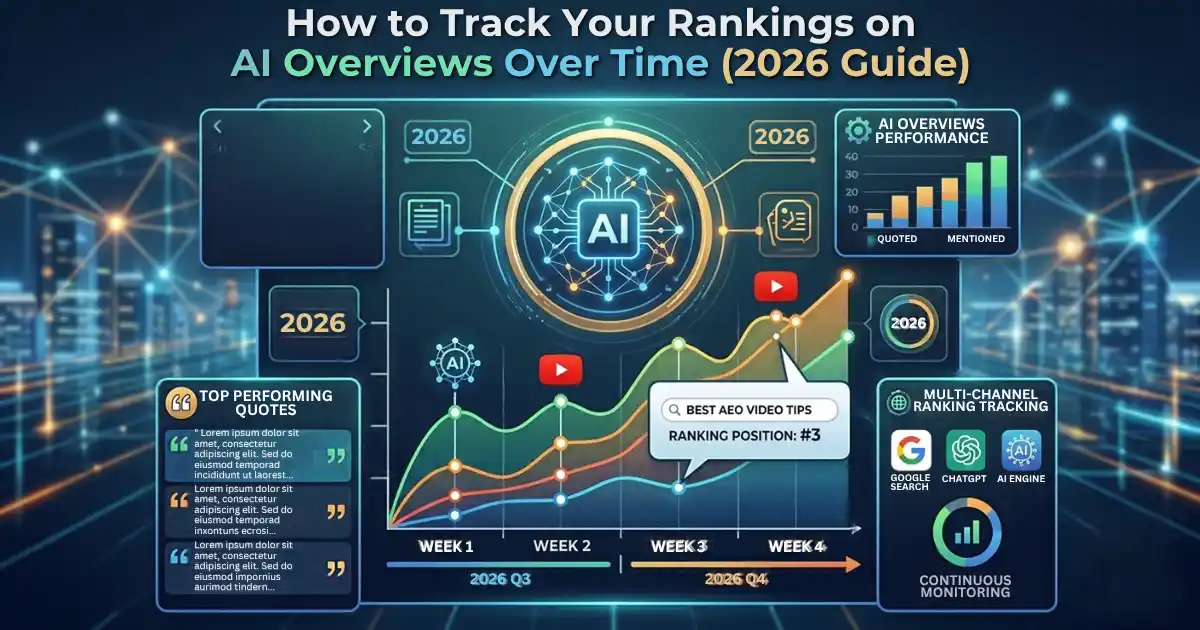
How to Measure AEO Video Content Performance
You cannot improve what you do not measure. Track these signals:
- Retention around the answer moment: If viewers drop off before the answer, the video is not doing its main job. Fix the opening.
- Video appearances in search: Check Search Console for video indexing and impressions.
- AI citations: Ask ChatGPT, Perplexity, and Google AI Overviews the questions your videos answer, and note whether your brand or link appears.
- Brand mentions: Monitor how often your name shows up in AI-generated answers.
- Engagement: Watch time, shares, comments, and backlinks all send trust signals.
Review results monthly, then update titles, chapters, and openings based on what you learn.
Common AEO Video Content Mistakes to Avoid
- Long intros: Burying the answer after a logo animation and a long welcome.
- Broad topics: Trying to cover everything in one video.
- No transcript: Leaving machines with nothing to read.
- Missing schema: Skipping VideoObject markup.
- Vague titles: Using clickbait instead of a clear description of the answer.
- Outdated information: Never refreshing facts, prices, or screenshots.
- Keyword stuffing: Repeating keywords unnaturally instead of writing for people first.
AEO Video Content Checklist
Use this before you hit publish:
- [ ] The video answers one specific question
- [ ] The answer appears in the first 10 seconds
- [ ] The title is clear and includes the main keyword
- [ ] The description summarizes the answer in two lines
- [ ] Chapters and timestamps are added
- [ ] Captions are accurate
- [ ] A full transcript is on the page
- [ ] VideoObject schema is added and tested
- [ ] The video is embedded on a relevant page
- [ ] Internal and external links are included
- [ ] A short FAQ section sits beneath the video
Frequently Asked Questions About AEO Video Content
What is AEO video content in simple words?
AEO video content is video made to give a clear, direct answer to one question, so that AI answer engines can understand it, quote it and show it to users.
Does video help with GEO and AI Overviews?
Yes. Video gives AI systems rich, structured information, especially when you add transcripts, chapters and schema. While video alone does not guarantee citations, it strengthens your overall authority and visibility.
How long should an AEO video be?
Short answer videos work well at 60 to 120 seconds. Complex topics can run 6 to 12 minutes if they are divided into clear chapters.
Do I need a transcript if I already have captions?
Yes. Captions help viewers, but a full transcript on the page gives machines readable text to understand and quote.
Which schema should I use for video?
Use VideoObject schema, and consider Clip markup for key moments. Test it with Google’s Rich Results Test.
Is AEO replacing SEO?
No. AEO builds on SEO. You still need good rankings, technical health and quality content. AEO and GEO add the answer-first structure that AI search now rewards.
Can small websites win with AEO video content?
Yes. Because few brands optimize video for answer engines, a small site with focused, well-structured videos can compete for answer placements that larger sites overlook.
Conclusion: Make Your Video the Answer
AEO video content is not about making more videos. It is about making clearer ones. Pick a real question, answer it in the first 10 seconds, break the video into chapters, publish a transcript, add VideoObject schema and connect the video to your wider content through smart internal and external links.
Do this consistently and your videos can serve three goals at once: rank in classic search (SEO), win direct answers (AEO) and earn citations in generative AI responses (GEO). Start with your three most valuable customer questions, turn each into a focused video this week, and measure what happens. For more practical guides on AI search, explore the latest articles on RankButton.