Rankadmain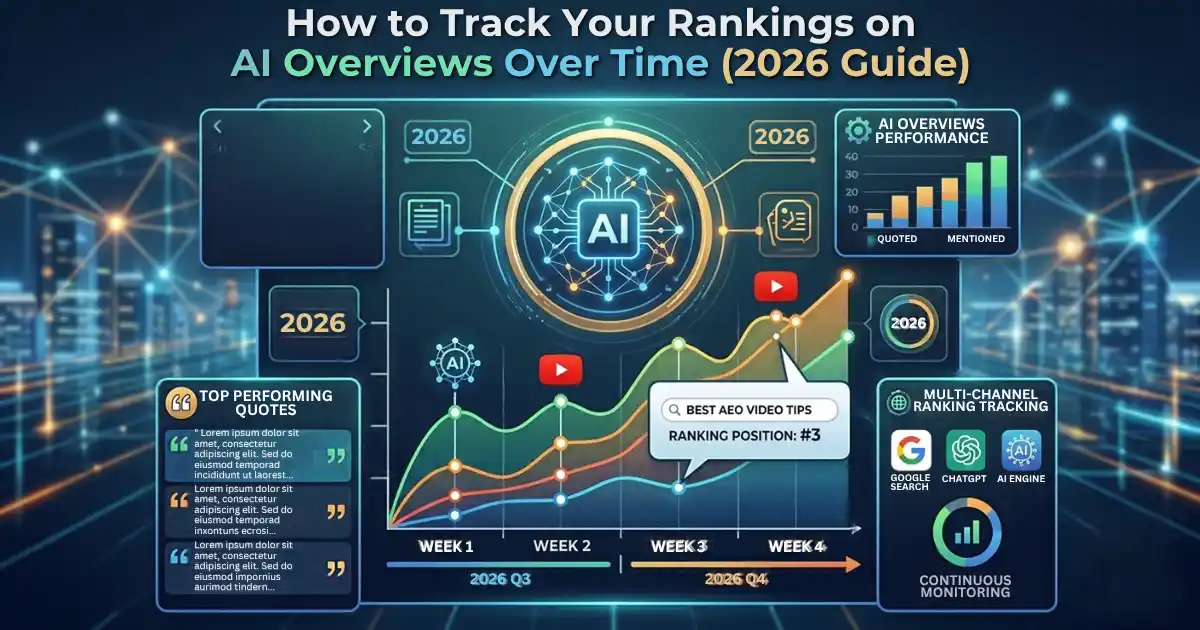
Short answer: To track your rankings on AI Overviews over time, combine three things: the Generative AI report in Search Console for impressions by page and date, a fixed list of queries you check every month (cited, mentioned, or absent), and clicks from the regular Performance report. Log everything in one sheet and compare month to month.
[Image: Tracking sheet and Search Console] Generative AI reports side by side. Alt text: “How to track your rankings on AI Overviews over time”
If you write about SEO, AEO, or GEO, or you simply run a site that depends on Google traffic, you have probably asked the same question: am I showing up in AI Overviews, and is that getting better or worse? Google does not give you a classic rank for this. It gives you impressions, and only for part of the picture. This guide shows you a practical system to track AI Overviews visibility, record it month after month, and turn the numbers into decisions.
Key Takeaways: Tracking AI Overviews Rankings
- AI Overviews do not have a ranking like position 1 or position 5. Every link inside one shares the same position value in Search Console.
- Google launched a dedicated generative AI performance report on June 3, 2026, and says it reached all websites worldwide on August 31, 2026.
- That report shows impressions only, split by page, country, device, and date. It has no clicks and no queries, and it combines AI Overviews with AI Mode.
- To track AI Overviews properly, you need three layers: Search Console impressions, a manual query check, and clicks and conversions.
- Trends matter more than single days. Review monthly and keep a log of what you changed.
What Does “Ranking” Mean in AI Overviews?
In classic search, a ranking is a position on a list. In an AI overview, there is no list to rank on. Google writes an answer and attaches supporting links. Google’s own help documentation explains that an AI overview occupies one position in the results, and all links inside it are assigned that same position. So when you want to track rankings on AI Overviews, you are really tracking visibility, which comes in three states.
1. Presence
Presence means an AI overview appeared for a query at all. Before you can be cited, the query has to trigger one. Many queries never do, so presence tells you how much of your keyword set is exposed to AI answers.
2. Citation
A citation means your page appears as a linked source inside the AI Overview. This is the state Search Console can measure, because a visible link produces an impression.
3. Mention
A mention means the answer names your brand or repeats your idea without linking to you. Search Console cannot see this. Only a manual check or a third-party tool will catch it.
Tracking all three states gives you a much more honest picture than any single number. If you want the bigger context on how these answer surfaces differ, read our guide to AEO vs. GEO vs. SEO.
Why You Should Track AI Overviews Over Time
One snapshot tells you very little. AI Overviews do not appear on every query; they change as Google updates its systems, and the sources they cite rotate. A page that was cited last month may disappear this month without any change on your side.
Tracking over time lets you answer practical questions:
- Is my AI visibility growing, flat, or shrinking?
- Which pages earn citations, and what do they have in common?
- Are impressions rising while clicks fall?
- Did a content update actually help?
Without a history, every change you make is a guess. With one, you can connect actions to results. That is the same discipline behind good Answer Engine Optimization (AEO).
Method 1: Track AI Overviews in the Search Console Generative AI Report
This is your most reliable starting point because it comes straight from Google. The company introduced the report in its Search Central announcement, and Search Engine Journal reported that Google later confirmed a worldwide rollout.
Where to find the report
Open Search Console, choose your property, and go to Performance. Look for the Generative AI view. Depending on your account, it may appear as its own report or as a sub-report under search results. Pick the Search version, which covers AI Overviews and AI Mode. A separate version covers Discover.
If you cannot see it, there are two common reasons. The rollout may not have reached your property, or your site may not have enough AI impressions to generate a report. Google’s help page for the Search generative AI performance report explains the current availability.
What the report shows
The report breaks impressions down by page, country, device (search only), and date. Dates can be viewed hourly, daily, weekly, and monthly, which is exactly what you need to track AI overviews over time.
An impression is counted when a link to your page is shown inside the AI feature. If two pages from your site appear in the same feature, the chart counts them as one impression. Links hidden behind a “show more” control are counted only after the user expands them, so exposure for lower links can be understated.
What it cannot show
- Clicks or click-through rate from AI features
- The queries or prompts that triggered your appearance
- A split between AI Overviews and AI Mode
- Brand mentions without a link
- Visibility in ChatGPT, Perplexity, Claude, or Gemini
Knowing these limits keeps you from overreading the data. For a deeper walkthrough of the interface, see our step-by-step guide on how to track AI Overviews in Search Console.
How to log it every month
- Set the date range to the previous full month.
- Open the Pages table and export it.
- Paste the top pages and their impressions into your tracking sheet under that month’s column.
- Note the total impressions at the top of the report.
Google says the same data also remains inside the Web search type of the main performance report, so never add the two together as if they were separate pools. The AI report is a filtered view of impressions you already had.
Method 2: Track Your Rankings on AI Overviews With a Manual Query Check
Search Console cannot tell you which queries showed an AI Overview or whether you were cited for a specific question. A small manual audit fills that gap, and it is the closest thing to a true “ranking” you can build for free.
Build a fixed query list.
Choose 20 to 30 queries and do not change them. Include:
- Your top 10 queries from the regular performance report
- 5 to 10 question-style searches your readers ask (“how to,” “what is,” “why”)
- 3 to 5 queries you want to win but do not rank for yet
A fixed list is what makes month-to-month comparison fair. If you swap queries every time, the trend means nothing.
Check them the same way each month.
Search each query in a private window, signed out if possible, on the same device type and in the same country. Results can vary by location, language, and personalization, so consistency matters more than perfection. For each query record, one of four outcomes:
- Cited: your page is a linked source
- Mentioned: your brand or idea appears without a link
- Absent: an AI overview appears, and you are not in it
- No AI Overview: the query did not trigger one
Calculate two simple scores.
- AI Overview coverage = queries with an AI Overview divided by total queries
- Citation rate = queries where you are cited divided by queries with an AI overview
Citation rate is the closest equivalent of a ranking for AI Overviews. If it climbs from 10% to 25% over three months, your content is being chosen more often, whatever Search Console says about position.
Method 3: Track Clicks and Conversions in Search Console and GA4
Visibility is only useful if it produces something. Google counts a click on a link inside an AI overview as a normal click, so those clicks sit inside your standard performance report under the web search type, mixed with everything else. In GA4 they land in the Organic Search channel because they carry the usual Google/organic tag.
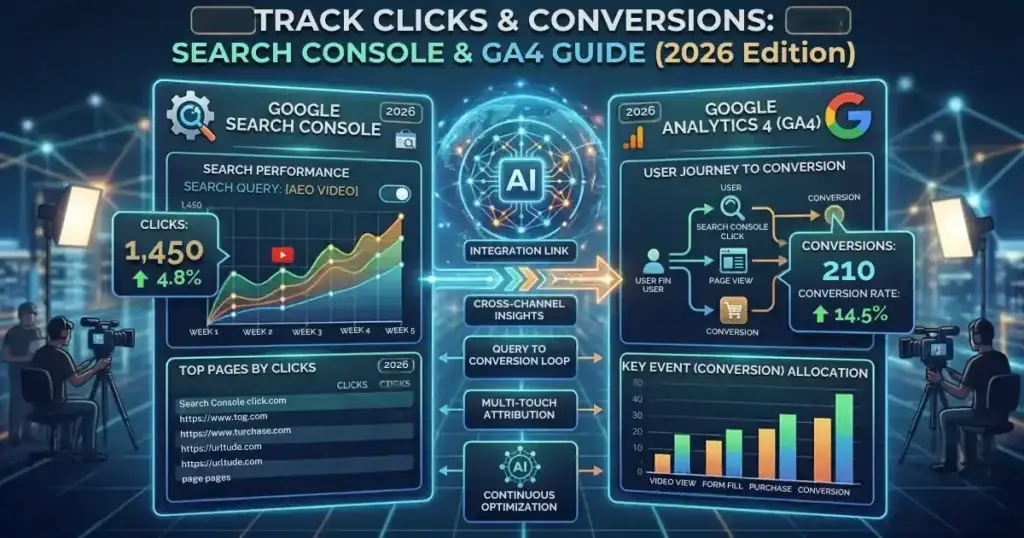
You cannot isolate AI clicks, but you can compare patterns page by page. Put the Generative AI impressions for a page next to that page’s total clicks from the Performance report for the same dates, then sort pages into four groups:
| Pattern | What it usually means | What to do |
|---|---|---|
| High AI impressions, healthy clicks | The page earns visibility and visits. | Copy its structure to other pages. |
| High AI impressions, low clicks | The answer satisfies users without a visit. | Improve the title, intro, and unique value. |
| Low AI impressions, strong classic rankings | Ranks well but is hard to extract | Add direct answers and clearer headings |
| No impressions anywhere | Possible indexing or relevance problem | Check URL Inspection first. |
Also watch engagement in GA4 for the same landing pages. Impressions that never turn into engaged visits are awareness at best.
Method 4: Use Third-Party Tools to Track AI Overviews at Scale
Manual checks are fine for 30 queries. For hundreds, a tool saves time. Semrush, for example, explains that its Position Tracking tool can monitor AI Overviews for your keyword list and show whether your site was featured. Other platforms such as Ahrefs and SE Ranking offer similar AI visibility features, and many also check ChatGPT, Perplexity, and Gemini.
Choose a tool when you need daily tracking, competitor comparison, or coverage of non-Google answer engines. Treat tool numbers as sampled estimates, because AI answers vary by user and time. Keep your manual audit as a sanity check, and do not pay for a tool before you have a baseline from the free methods.
A Simple AI Overviews Tracking Template You Can Copy
Create one Google Sheet with three tabs.
Tab 1: Search Console AI impressions (monthly)
| Page URL | Jul | Aug | Sep | Oct | Change vs. last month |
|---|---|---|---|---|---|
| /example-post/ | 120 | 180 | 240 | 310 | +29% |
Tab 2: Query audit (monthly)
| Query | AI Overview? | Cited? | Mentioned? | Notes |
|---|---|---|---|---|
| how to track ai overviews | Yes. | No | No | Competitor guide cited |
Tab 3: Summary
| Month | AI coverage | Citation rate | AI impressions | Clicks | Changes made |
|---|---|---|---|---|---|
| Oct | 55% | 12% | 4,200 | 310 | Rewrote 2 intros |
The “Changes made” column is the most important one. It is how you link results to actions later. If you want to automate parts of this, our guide on connecting Claude to Google Sheets, Slack and WordPress shows one way to do it.
Your Monthly Routine to Track AI Overviews Over Time
- Export the Generative AI report for the last full month.
- Export clicks and impressions per page from the Performance report.
- Run the 20 to 30 query audit and record outcomes.
- Update the three tabs and calculate coverage and citation rate.
- Flag the five pages with the biggest gains and the five with the biggest drops.
- Improve two weak pages, and log exactly what you changed.
- Next month, compare before and after.
Set a calendar reminder for the first week of every month. The habit matters more than the tool.
How to Read the Trends Without Fooling Yourself
AI features do not trigger on every query, and Google says they appear only when they add value beyond classic results. So expect noise. A few rules help:
- Use a four-week or monthly average rather than daily numbers.
- Do not read average position changes as ranking changes. Because every link in an AI Overview shares one position, a shifting average may simply mean you appeared on different surfaces.
- If impressions jump after you update a page, wait a full cycle before you credit the update.
- If a page drops to zero, check indexing, snippet settings and recent edits before assuming a penalty.
How to Improve Your AI Overviews Visibility After You Track It
Tracking is pointless if nothing changes. Google’s documentation says the usual SEO best practices apply and there is no special markup required, but pages must be indexed and eligible to show with a snippet. See Google’s guide to AI features and your website for the official position. In practice, the pages that get cited tend to do these things well:
- Lead with the answer. Give a direct 40 to 60 word answer under each question heading, then expand. Our guide on how to create AEO content shows the format.
- Cover related questions. AI features fan out into several related searches, so a page that answers sub-questions has more chances to be retrieved.
- Use clear headings and short paragraphs so key facts are easy to extract.
- Add original value, such as your own screenshots, data and first-hand examples.
- Link related pages together so crawlers and readers understand your topic coverage. Our comparison of SEO vs GEO is a good companion read.
- Keep content fresh and update facts when Google changes its reports.
Common Mistakes When You Track AI Overviews
- Changing your query list every month, which makes trends meaningless
- Treating impressions as traffic, when the report contains no clicks
- Adding AI impressions to total impressions, which double counts
- Ignoring non-Google engines, which Search Console never covers
- Checking daily, which only measures noise
- Assuming a missing report means a penalty, when it usually means rollout or low volume
- Not logging changes, so you cannot explain a result later
Frequently Asked Questions About Tracking AI Overviews
How do I track my rankings on AI Overviews?
Combine the Generative AI report in Search Console, a fixed monthly query audit and clicks from the Performance report. Record cited, mentioned or absent for each query, and compare citation rate month to month.
Does Search Console show AI Overviews rankings?
Not as a rank. Every link in an AI Overview shares one position. The Generative AI report shows impressions by page, country, device and date instead.
Can I see AI Overview clicks separately?
No. Clicks from AI Overviews are counted in the regular Performance report under the Web search type, and in GA4 they appear as Organic Search.
Does the report separate AI Overviews from AI Mode?
No. The report combines both features, so you cannot see which one produced an impression.
Why can’t I see the Generative AI report?
Your property may not have received it yet, or your site may not have enough AI impressions. Check back after publishing and improving helpful content.
How often should I check AI Overview visibility?
Once a month is enough for most sites. Daily numbers are volatile and rarely lead to better decisions.
Do I need special schema to appear in AI Overviews?
No. Google says no special markup is required. Pages need to be indexed and eligible to appear in Search with a snippet.
Is tracking AI Overviews part of SEO, AEO or GEO?
All three. It is SEO measurement, AEO because you structure direct answers, and GEO because the same habits extend to other generative engines.
Final Thoughts: Track Rankings on AI Overviews Over Time
You cannot track a true rank inside an AI Overview, but you can track something just as useful: whether your pages are shown, cited and clicked, and whether that is improving. Start with the Generative AI report, add a fixed monthly query audit, and connect both to clicks. Keep one sheet, log every change, and review once a month. Within a quarter you will know which pages AI systems trust, and where to invest next.
Sources
- Introducing Search Generative AI performance reports in Search Console (Google Search Central)
- Search generative AI performance report (Search Console Help)
- AI features and your website (Google Search Central)
- Google Search Console AI Reports Rolled Out Worldwide (Search Engine Journal)
- Track Google’s AI Overviews in Semrush Position Tracking (Semrush)
<!-- ===== FAQ SCHEMA (paste in a Custom HTML block or your SEO plugin) ===== <script type="application/ld+json"> { "@context": "https://schema.org", "@type": "FAQPage", "mainEntity": [ {"@type": "Question", "name": "How do I track my rankings on AI Overviews?", "acceptedAnswer": {"@type": "Answer", "text": "Combine the Generative AI report in Search Console, a fixed monthly query audit and clicks from the Performance report. Record cited, mentioned or absent for each query, and compare citation rate month to month."}}, {"@type": "Question", "name": "Does Search Console show AI Overviews rankings?", "acceptedAnswer": {"@type": "Answer", "text": "Not as a rank. Every link in an AI Overview shares one position. The Generative AI report shows impressions by page, country, device and date instead."}}, {"@type": "Question", "name": "Can I see AI Overview clicks separately?", "acceptedAnswer": {"@type": "Answer", "text": "No. Clicks from AI Overviews are counted in the regular Performance report under the Web search type, and in GA4 they appear as Organic Search."}}, {"@type": "Question", "name": "Does the report separate AI Overviews from AI Mode?", "acceptedAnswer": {"@type": "Answer", "text": "No. The report combines both features, so you cannot see which one produced an impression."}}, {"@type": "Question", "name": "How often should I check AI Overview visibility?", "acceptedAnswer": {"@type": "Answer", "text": "Once a month is enough for most sites. Daily numbers are volatile and rarely lead to better decisions."}} ] } </script> ===== -->